
AI Poster Maker
Describe the poster you need — an event, a sale, a gig, a class — and Ridvay generates a finished, editable poster in seconds. No template hunting and no design skills required.
Everything is editable: change the headline, swap colours to match your brand, move elements around, add your logo, then export a print-ready PDF or a PNG/SVG.
Try a prompt like: “A bold event poster for a live jazz night at a downtown bar, dark navy and gold”
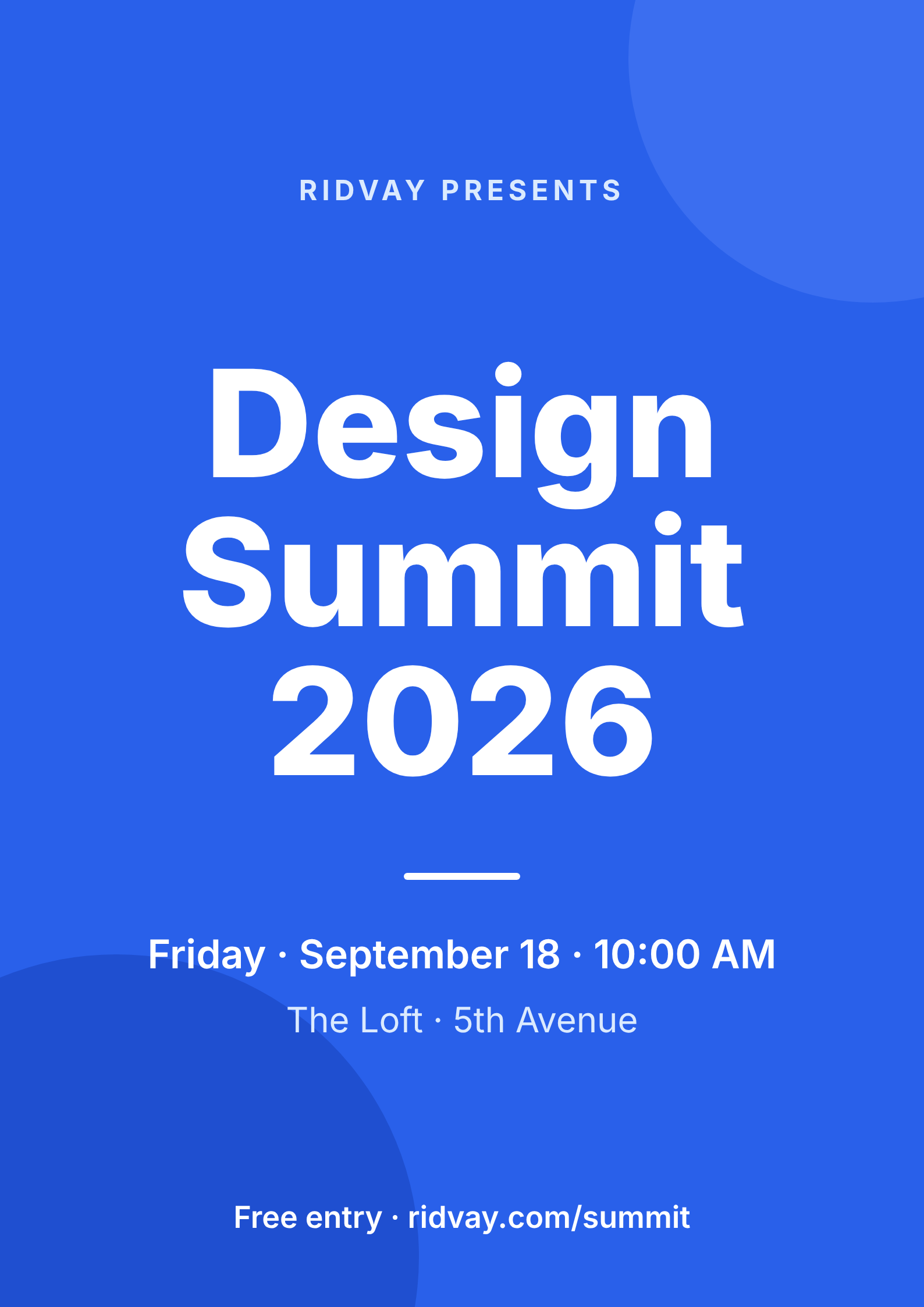
A live example — open the full editor to make your own.
Everything you need to make your poster
Design from a prompt
Describe what you want; Ridvay generates a complete, editable design — layout, fonts, colours and copy.
Fully editable
Change any text, colour or element, move things around and add images — it is a real design, not a flat picture.
On-brand automatically
Save a Brand Kit (colours, fonts, logo) and Ridvay applies it as it generates.
Multi-page
Build carousels, decks and documents, then export the whole set as one PDF.
Export anywhere
Export to print-ready PDF, or PNG and SVG — or share a live link.
Refine in chat
Say “make it bolder” or “add a section” and the design updates — no manual fiddling.
From one sentence to a poster
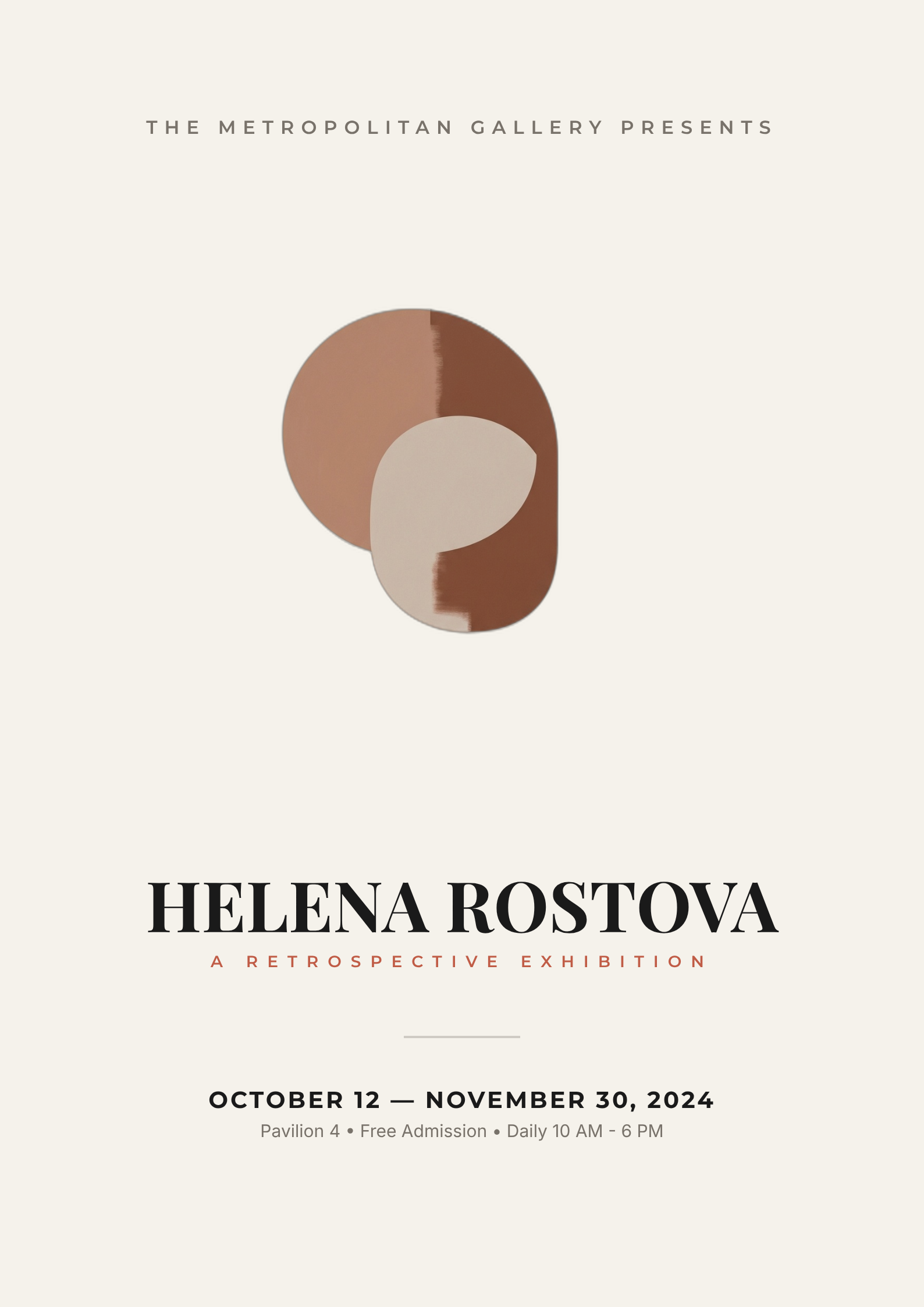
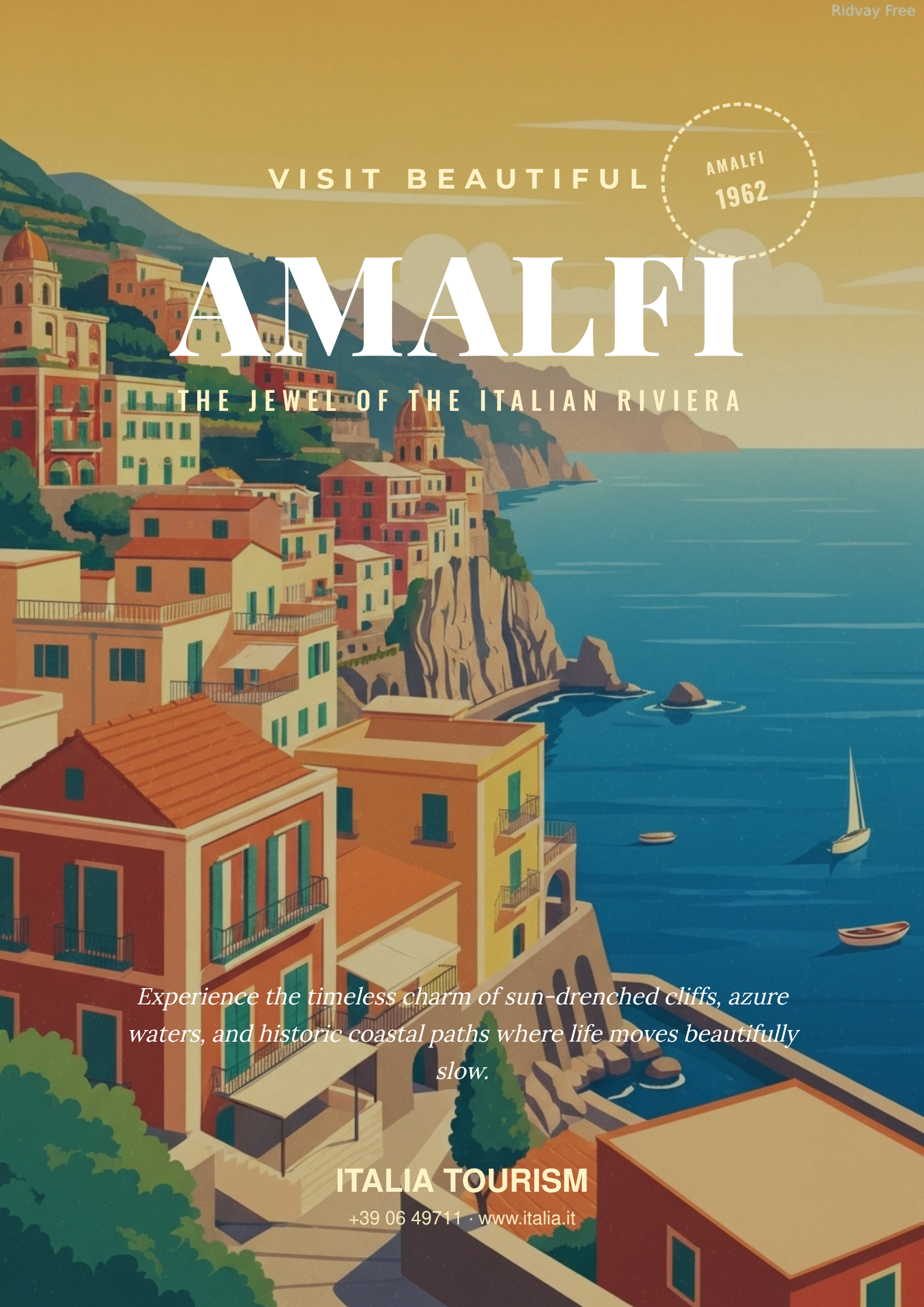
Click an example to generate it in Ridvay Studio.
Or start from a ready-made poster template
Every template is fully editable — open it, make it yours, export.



Frequently asked questions
How do I make a poster with AI?
Open Ridvay Studio, describe the poster you want (for example “bold event poster for a jazz night, navy and gold”), and Ridvay generates a complete, editable poster. Adjust the text, colours and layout, then export.
Is the AI poster maker free?
Yes — you can generate and edit posters free in the browser, no download. Some advanced features and higher limits are on paid plans.
Can I export a print-ready poster?
Yes. Export to PDF, or to PNG/SVG. You can also build a multi-page set and export all pages as one PDF.
Can I keep my brand colours and logo?
Yes. Save a Brand Kit (colours, fonts and logo) and Ridvay applies it automatically when it generates your poster.