
Text to Presentation
Paste your notes, an outline, or a whole document and Ridvay turns it into a structured, editable slide deck — it pulls out the key points, organises them into slides and writes clean headings, instead of dumping your text onto a page.
Tweak any slide, ask the AI to split, merge or rewrite slides in plain language, apply your Brand Kit, then export the whole deck as a PowerPoint (.pptx) or a single PDF.
Try a prompt like: “Turn these notes into a deck: our Q3 results — revenue up 30%, two new markets, hired five people, goal is to double next year”
A live example — open the full editor to make your own.
Everything you need to make your presentation
Design from a prompt
Describe what you want; Ridvay generates a complete, editable design — layout, fonts, colours and copy.
Fully editable
Change any text, colour or element, move things around and add images — it is a real design, not a flat picture.
On-brand automatically
Save a Brand Kit (colours, fonts, logo) and Ridvay applies it as it generates.
Multi-page
Build carousels, decks and documents, then export the whole set as one PDF.
Export anywhere
Export to print-ready PDF, or PNG and SVG — or share a live link.
Refine in chat
Say “make it bolder” or “add a section” and the design updates — no manual fiddling.
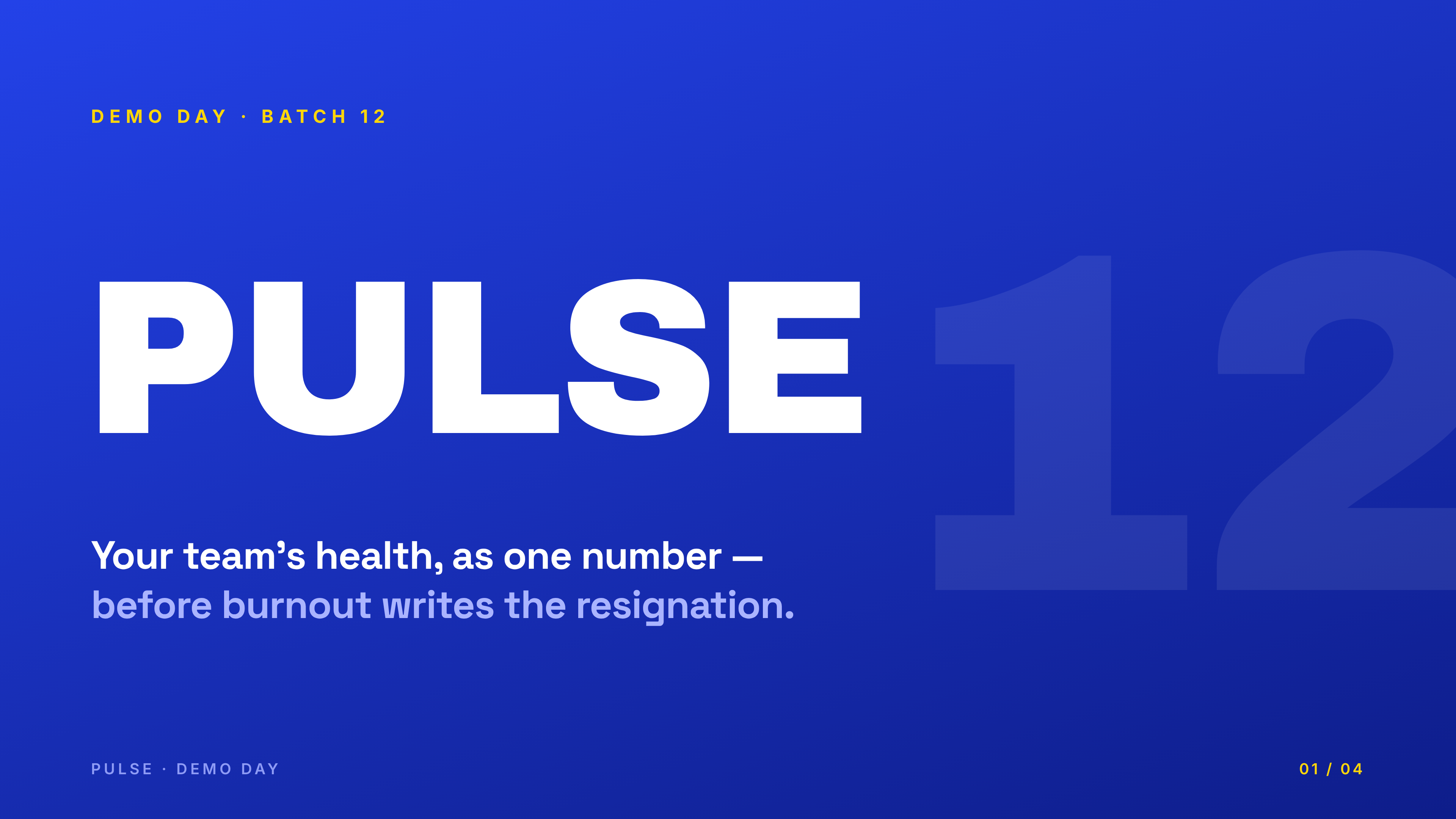
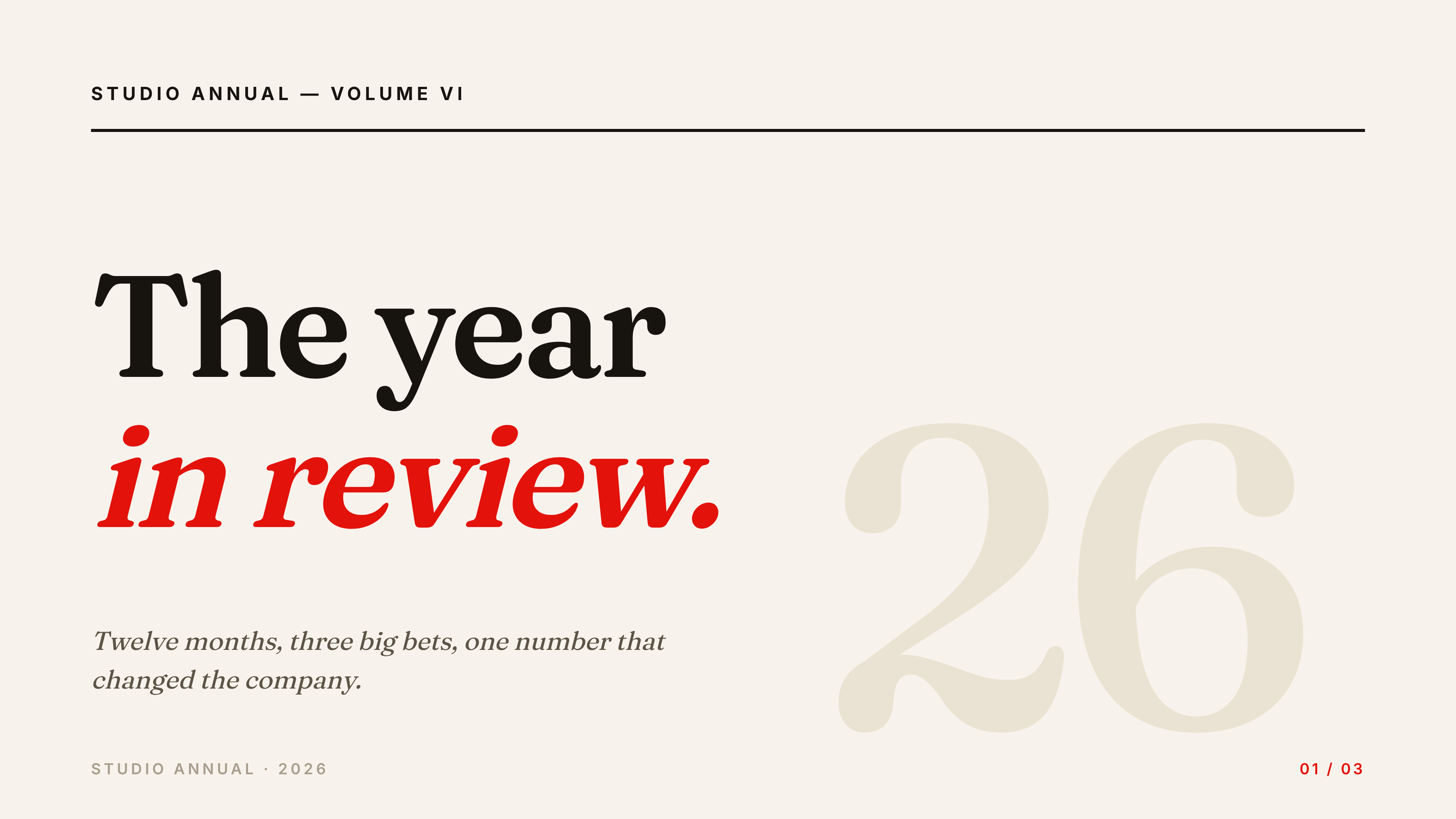
From one sentence to a presentation
Click an example to generate it in Ridvay Studio.
Or start from a ready-made presentation template
Every template is fully editable — open it, make it yours, export.



Frequently asked questions
How do I turn text into a presentation?
Paste your text — notes, an outline or a document — and Ridvay structures it into an editable slide deck with headings and key points. Adjust any slide, then export.
Will it just paste my text onto slides?
No — it extracts the key points and organises them into a clean, structured deck. You can then refine, split or rewrite any slide in plain language.
Can I export the slides?
Yes — export the whole deck as a PowerPoint (.pptx) or a single PDF, or individual slides as PNG or SVG.
Is it free?
Yes, you can create and edit presentations free in the browser. Higher limits and advanced features are on paid plans.
Make your presentation now
Describe it, generate it, edit it, export it — free to start.
Open Ridvay Studio