
AI Social Media Post Maker
Describe the post you want and Ridvay generates an editable social media graphic in seconds — headline, supporting text and a clean layout that stops the scroll.
Make a whole content set as a multi-page deck (think carousels), keep everything on-brand with your Brand Kit, then export PNGs ready to publish.
Try a prompt like: “An Instagram carousel: 5 quick tips for better sleep, calm pastel colours”
A live example — open the full editor to make your own.
Everything you need to make your social media post
Design from a prompt
Describe what you want; Ridvay generates a complete, editable design — layout, fonts, colours and copy.
Fully editable
Change any text, colour or element, move things around and add images — it is a real design, not a flat picture.
On-brand automatically
Save a Brand Kit (colours, fonts, logo) and Ridvay applies it as it generates.
Multi-page
Build carousels, decks and documents, then export the whole set as one PDF.
Export anywhere
Export to print-ready PDF, or PNG and SVG — or share a live link.
Refine in chat
Say “make it bolder” or “add a section” and the design updates — no manual fiddling.
From one sentence to a social media post
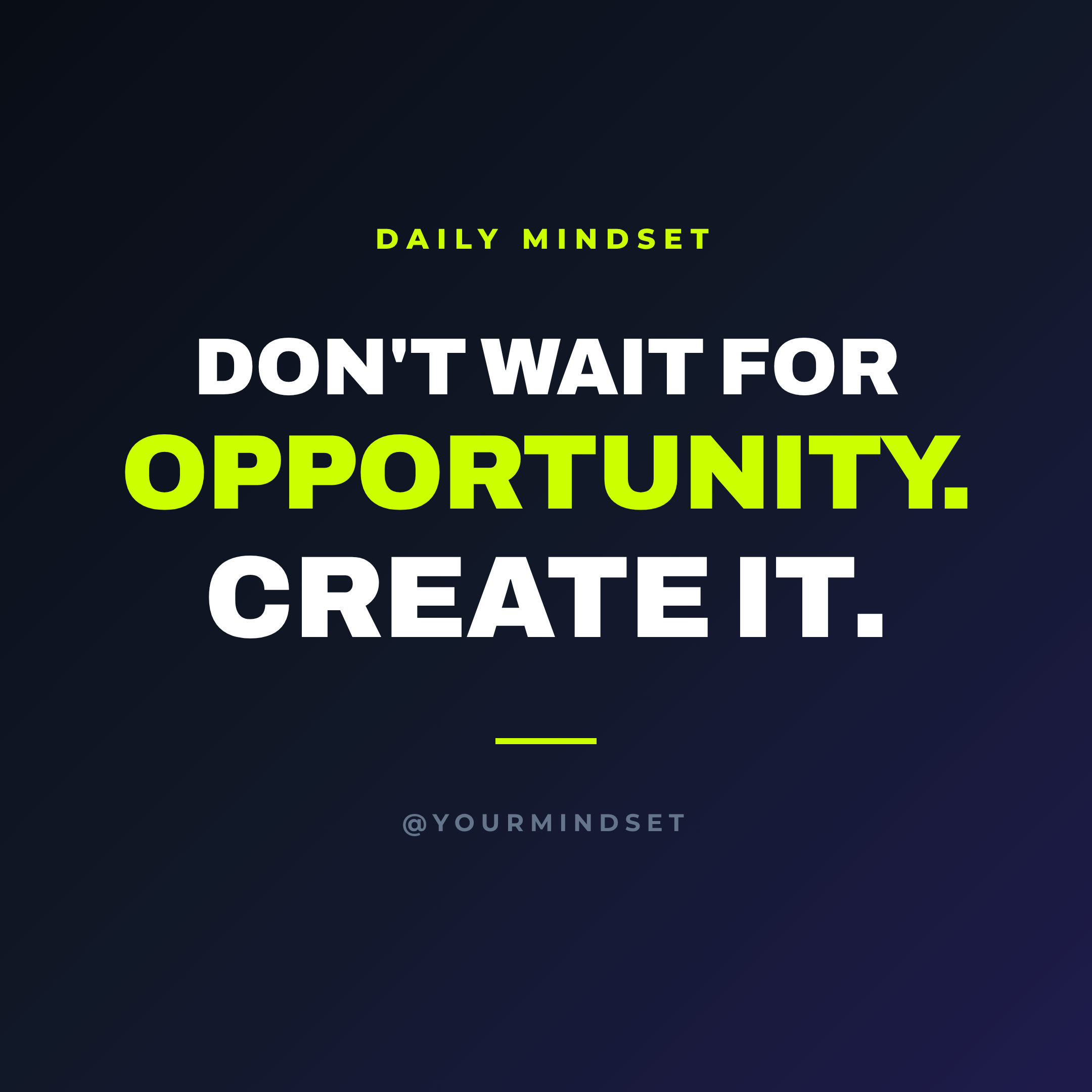
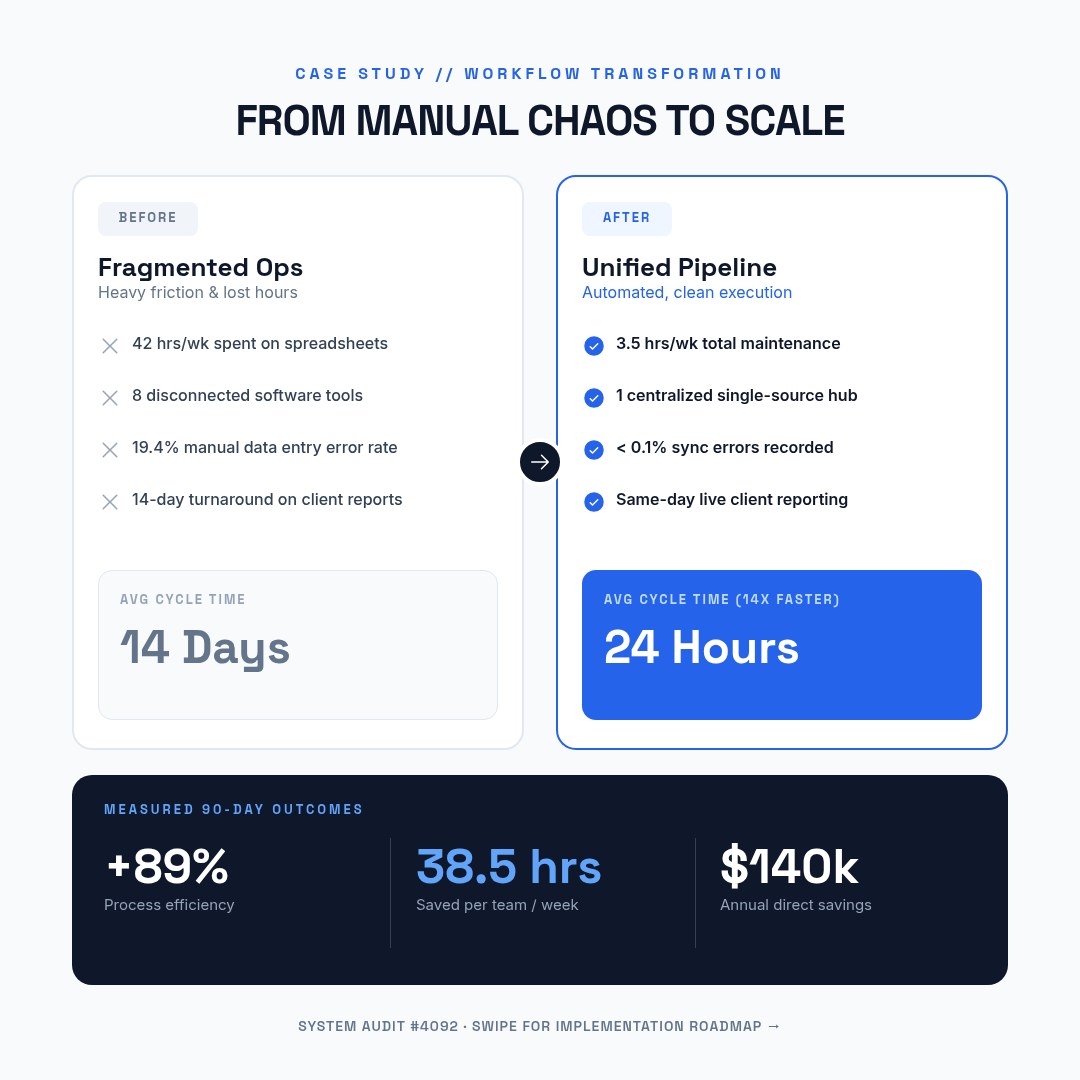
Click an example to generate it in Ridvay Studio.
Or start from a ready-made social media post template
Every template is fully editable — open it, make it yours, export.



Frequently asked questions
How do I make social media posts with AI?
Describe the post (for example “Instagram carousel: 5 tips for better sleep”) and Ridvay generates an editable graphic. Edit the text and colours, then export PNGs ready to publish.
Can I make a carousel or a set of posts?
Yes — build a multi-page design and export each page, perfect for carousels and content batches.
Can I keep a consistent brand look?
Yes. Save your colours, fonts and logo as a Brand Kit and Ridvay keeps every post on-brand.
Is it free?
Yes, you can create and edit social posts free in the browser. Higher limits and advanced features are on paid plans.
Make your social media post now
Describe it, generate it, edit it, export it — free to start.
Open Ridvay Studio