
AI Real Estate Flyer Maker
Give Ridvay the listing — address, price, beds, baths, square footage and the three features buyers will care about — and it lays out a flyer that sells it: a big photo area, a specs row people can read at a glance, and your agent card with photo, licence number and contact details.
Make an open house, just listed or just sold version from the same design, add a QR code that links to the virtual tour, and export a print-ready PDF for the brokerage printer or a PNG for Instagram and your email list.
Try a prompt like: “A just-listed flyer for 14 Maple Avenue: 3 bed, 2 bath, 1,850 sq ft, $489,000, renovated kitchen, big garden, QR code to the virtual tour”
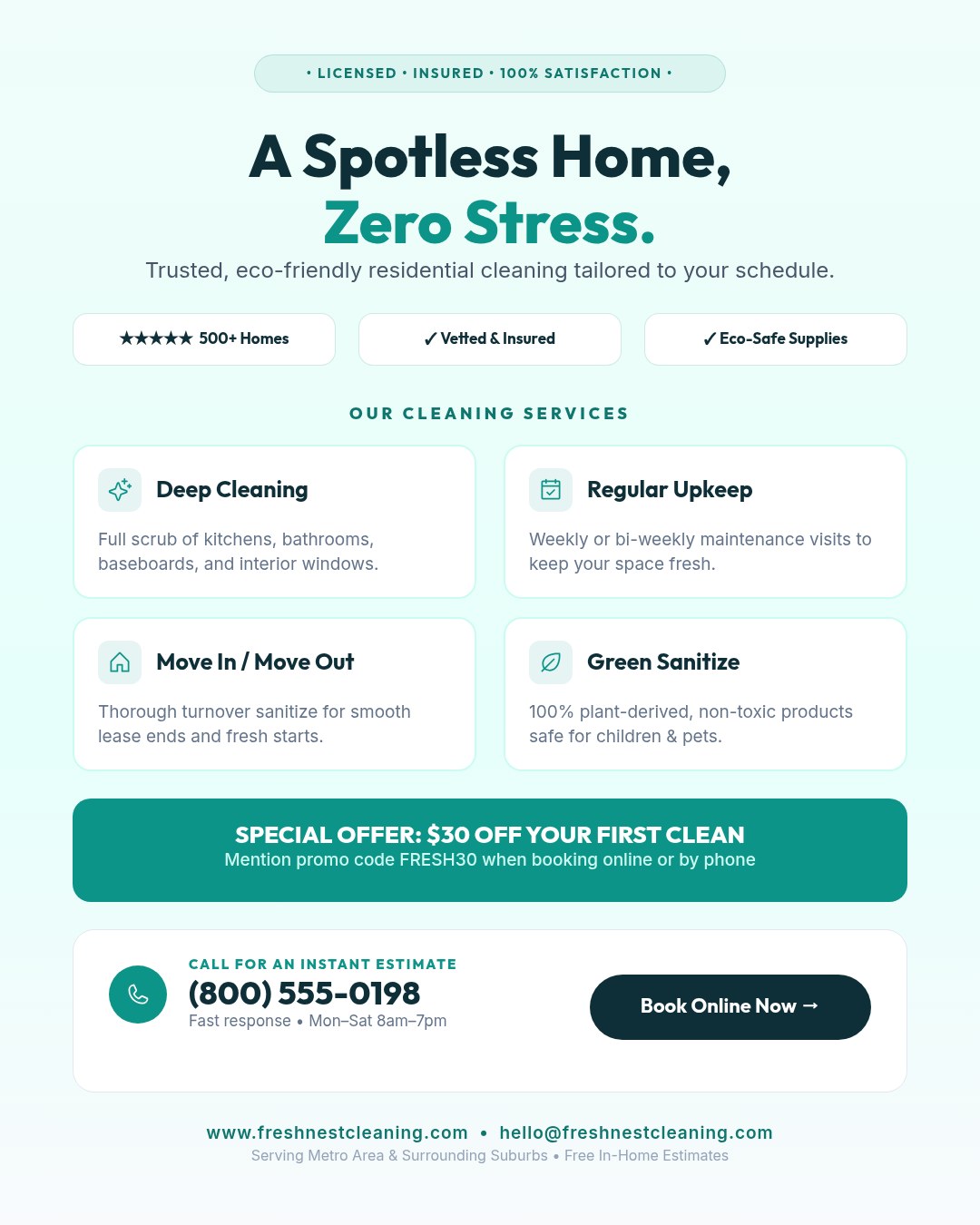
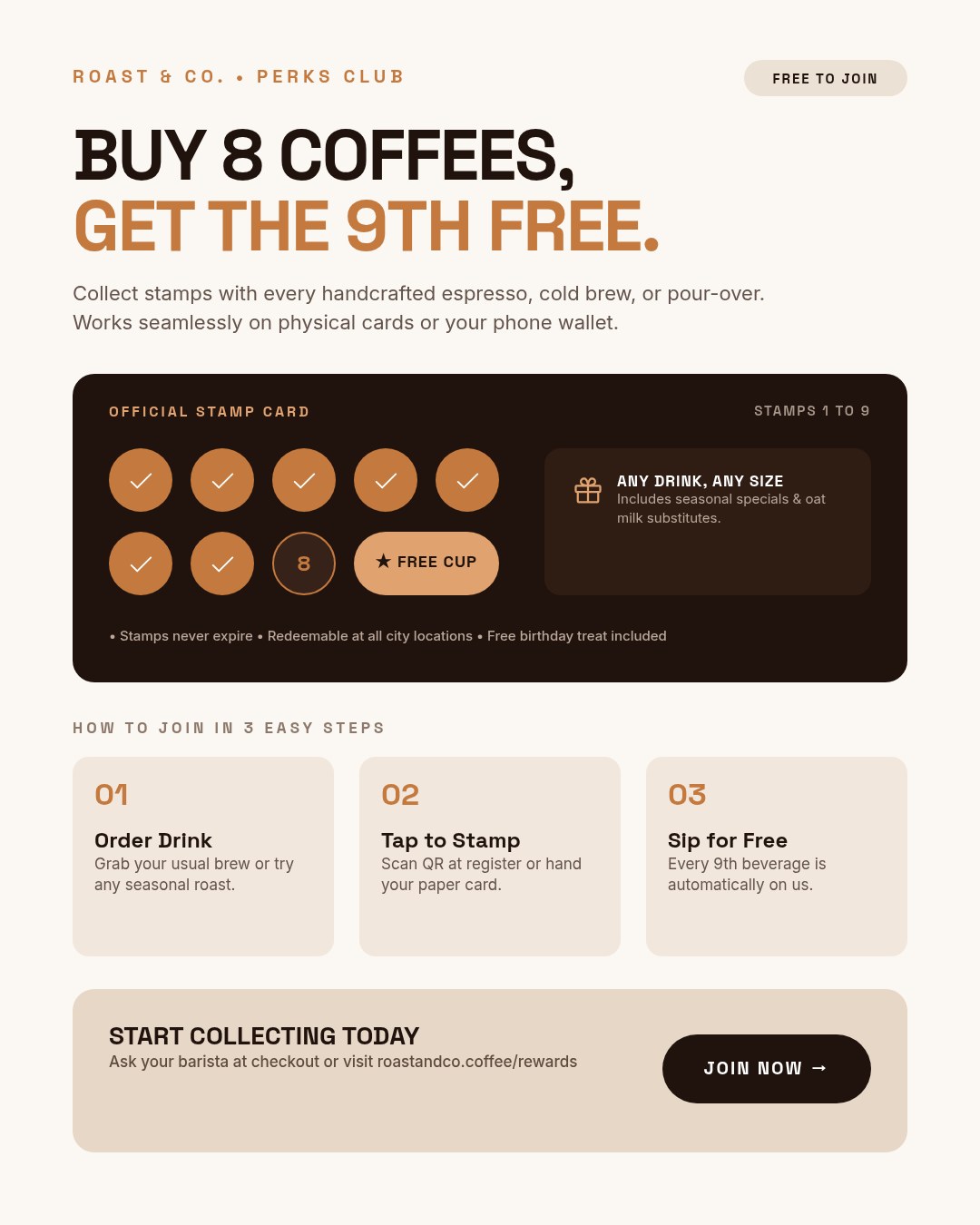
A live example — open the full editor to make your own.
Everything you need to make your real estate flyer
Design from a prompt
Describe what you want; Ridvay generates a complete, editable design — layout, fonts, colours and copy.
Fully editable
Change any text, colour or element, move things around and add images — it is a real design, not a flat picture.
On-brand automatically
Save a Brand Kit (colours, fonts, logo) and Ridvay applies it as it generates.
Multi-page
Build carousels, decks and documents, then export the whole set as one PDF.
Export anywhere
Export to print-ready PDF, or PNG and SVG — or share a live link.
Refine in chat
Say “make it bolder” or “add a section” and the design updates — no manual fiddling.
From one sentence to a real estate flyer
Click an example to generate it in Ridvay Studio.
Or start from a ready-made real estate flyer template
Every template is fully editable — open it, make it yours, export.




Frequently asked questions
What should a real estate flyer include?
A strong property photo, the address and price, key specs (beds, baths, size), a few highlights, and the agent’s photo and contact details. A QR code to the listing or virtual tour helps too.
Can I add my own listing photos?
Yes — upload the property photos and your headshot and place them on the design. Everything else adjusts around them.
Can I add a QR code?
Yes. Ask for a QR code to your listing, virtual tour or booking page and Ridvay places a scannable code on the flyer.
Can I print it?
Yes — export a print-ready PDF for your office printer or a print shop, or PNG for social media and email.
Is it free?
You can create and edit real estate flyers free in the browser. Higher limits and advanced features are on paid plans.
Make your real estate flyer now
Describe it, generate it, edit it, export it — free to start.
Open Ridvay Studio