
AI YouTube Thumbnail Maker
Describe your video and Ridvay generates a bold, editable YouTube thumbnail — big readable text, strong contrast and space for your face or screenshot — at the right 1280×720 size.
Swap the text and colours, drop in your image, keep a consistent channel look with a Brand Kit, then export a PNG ready to upload.
Try a prompt like: “A high-energy YouTube thumbnail for a video “5 productivity apps that changed my life”, bold yellow text”
A live example — open the full editor to make your own.
Everything you need to make your YouTube thumbnail
Design from a prompt
Describe what you want; Ridvay generates a complete, editable design — layout, fonts, colours and copy.
Fully editable
Change any text, colour or element, move things around and add images — it is a real design, not a flat picture.
On-brand automatically
Save a Brand Kit (colours, fonts, logo) and Ridvay applies it as it generates.
Multi-page
Build carousels, decks and documents, then export the whole set as one PDF.
Export anywhere
Export to print-ready PDF, or PNG and SVG — or share a live link.
Refine in chat
Say “make it bolder” or “add a section” and the design updates — no manual fiddling.
From one sentence to a YouTube thumbnail
Click an example to generate it in Ridvay Studio.
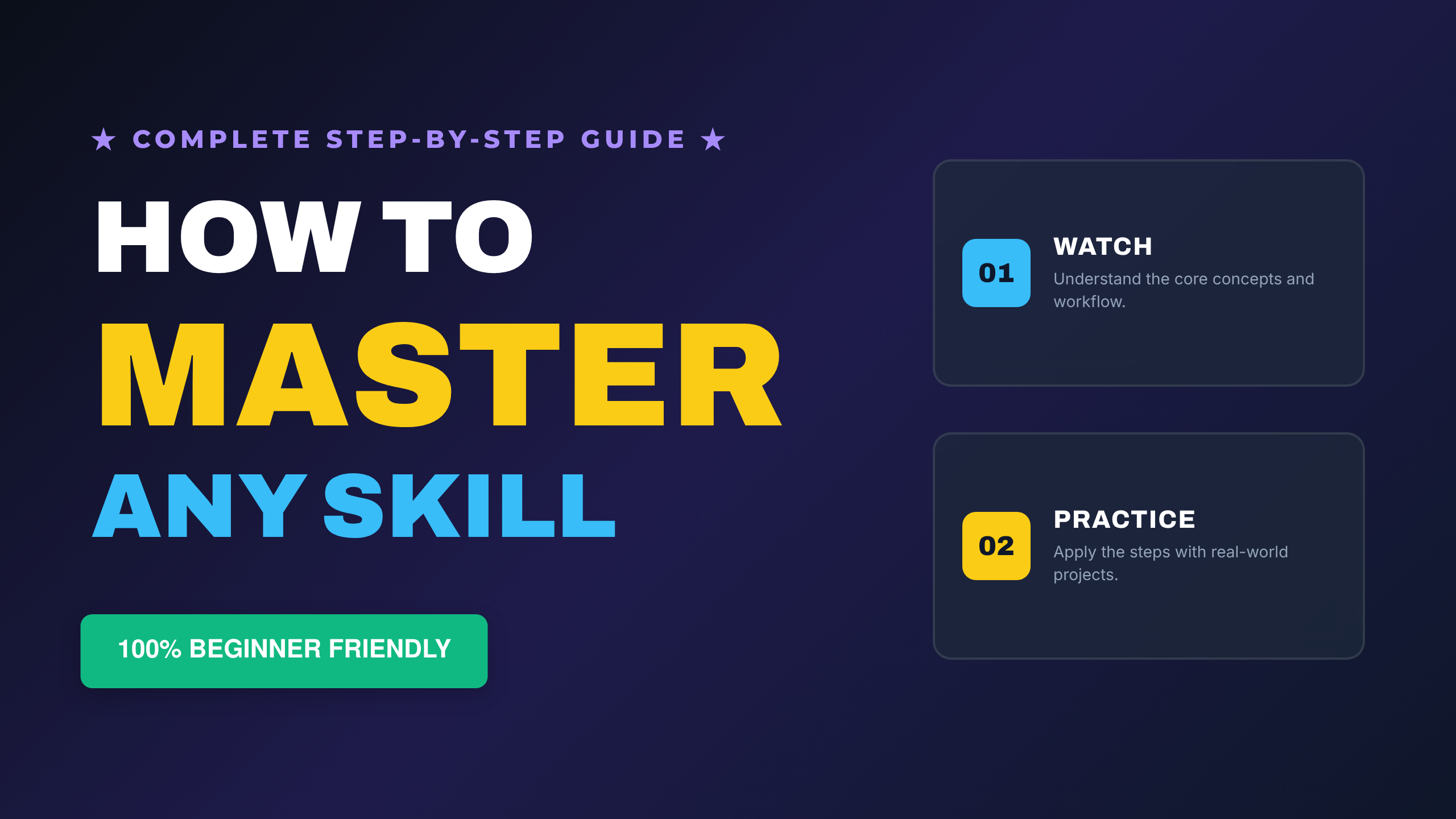
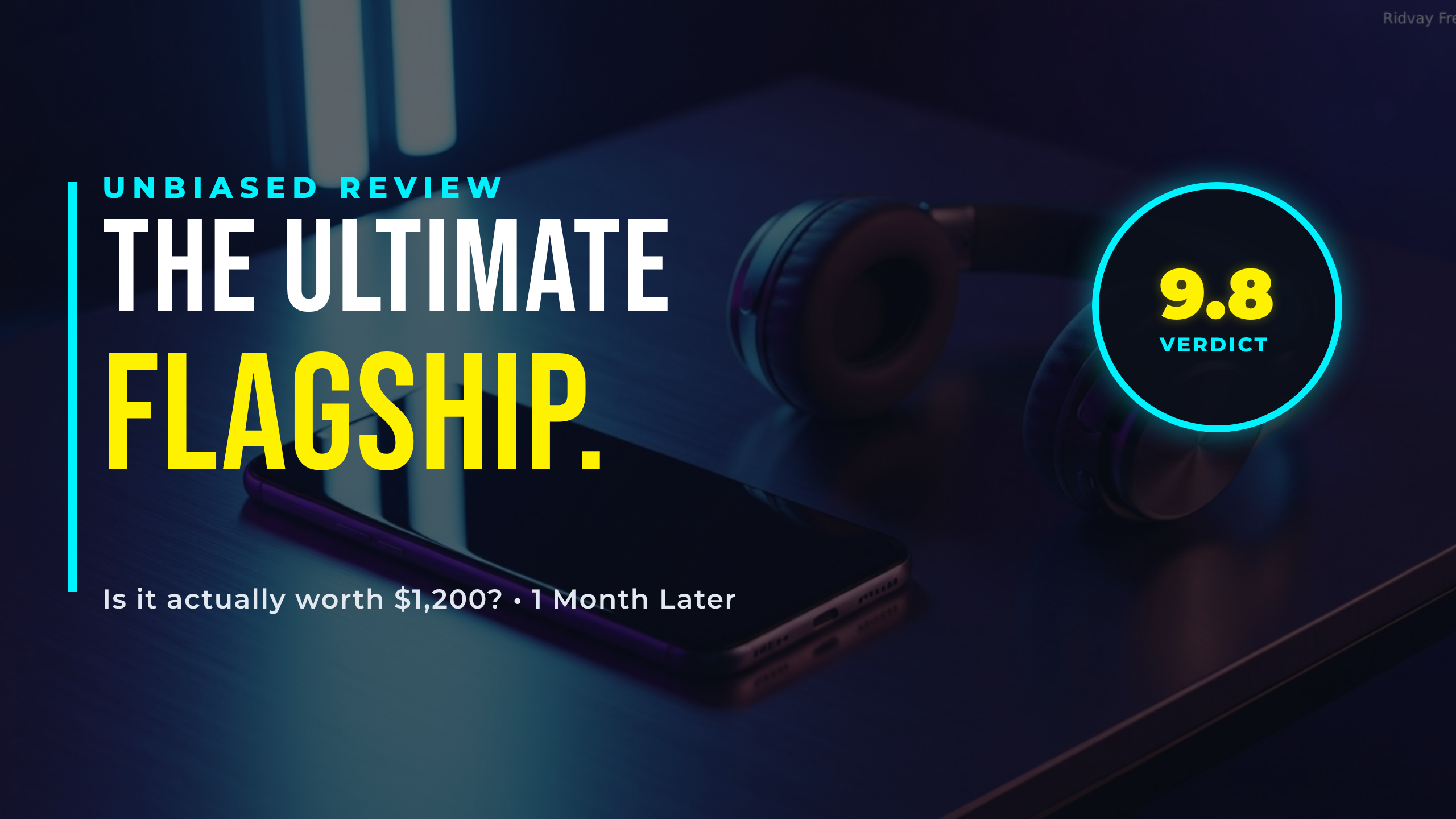
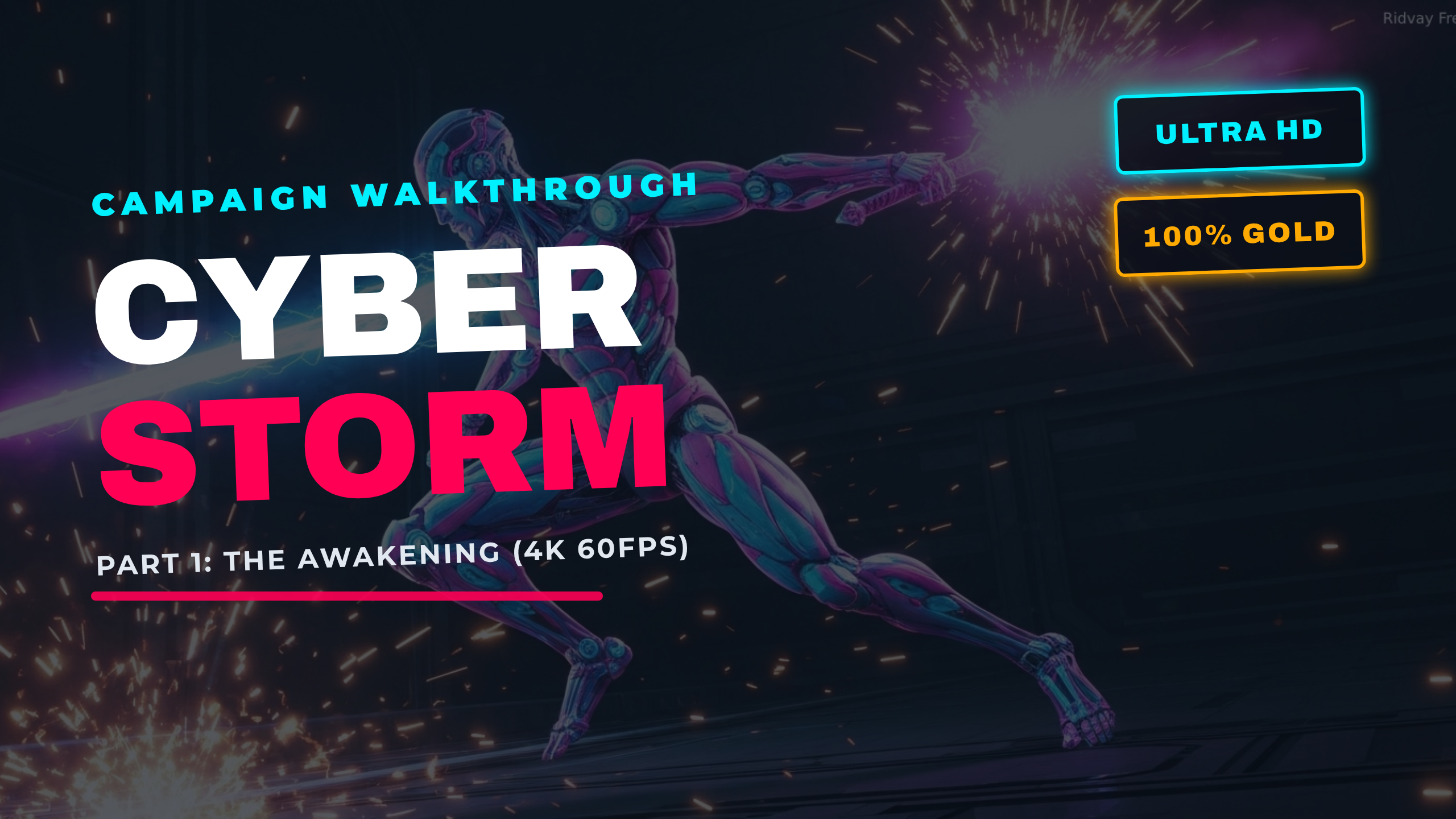
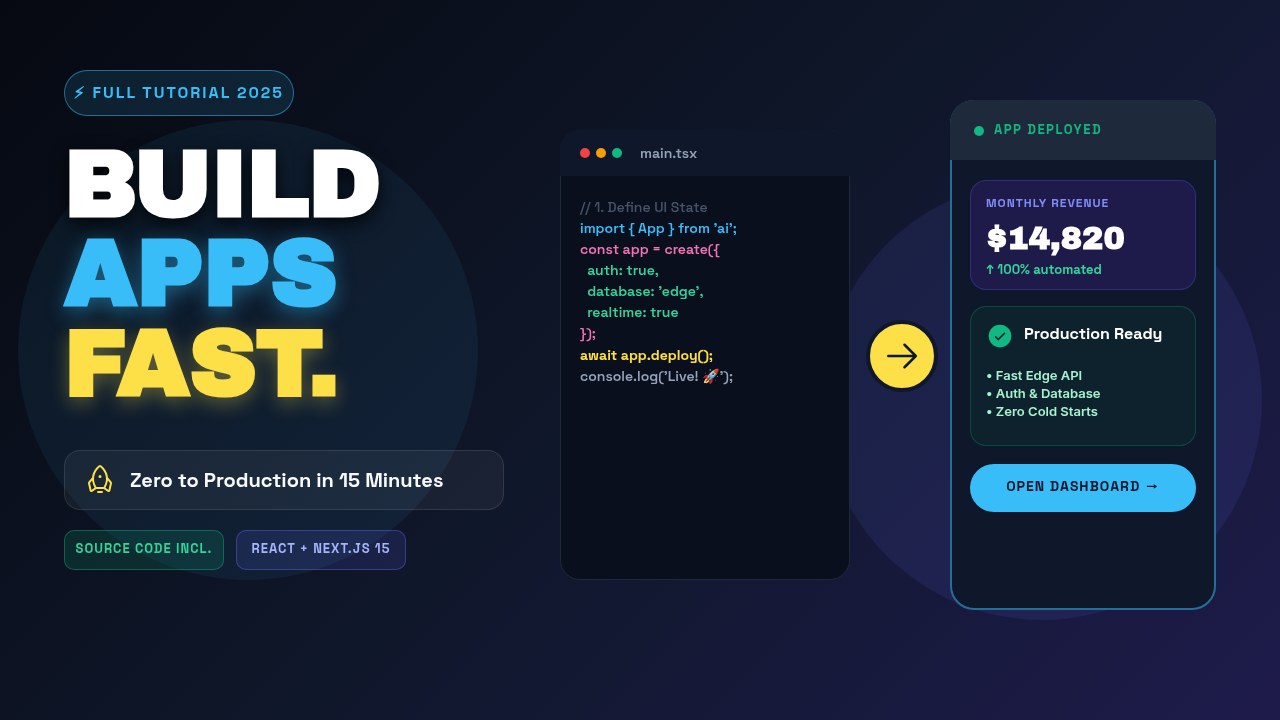
Or start from a ready-made YouTube thumbnail template
Every template is fully editable — open it, make it yours, export.


Frequently asked questions
How do I make a YouTube thumbnail with AI?
Describe your video and Ridvay generates an editable thumbnail at 1280×720 with bold text and strong colours. Adjust the text, add your image, then export a PNG.
What size are the thumbnails?
You can generate at YouTube’s recommended 1280×720 (16:9), or change the canvas size to whatever you need.
Is it free?
Yes, you can create and edit thumbnails free in the browser. Advanced features and higher limits are on paid plans.
Can I keep a consistent channel style?
Yes. Save your colours, fonts and logo as a Brand Kit and reuse the look across every thumbnail.
Make your YouTube thumbnail now
Describe it, generate it, edit it, export it — free to start.
Open Ridvay Studio