
AI Event Flyer Maker
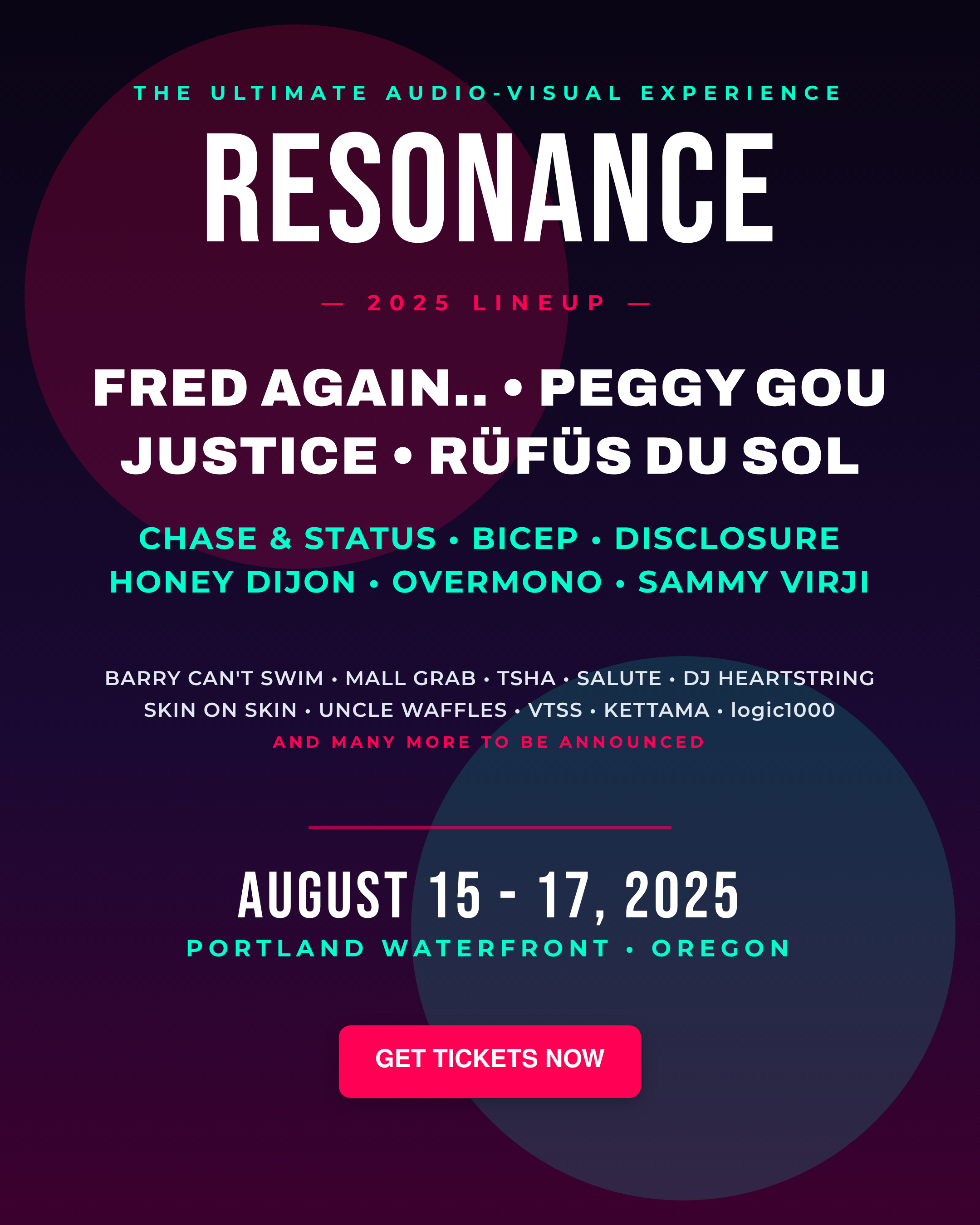
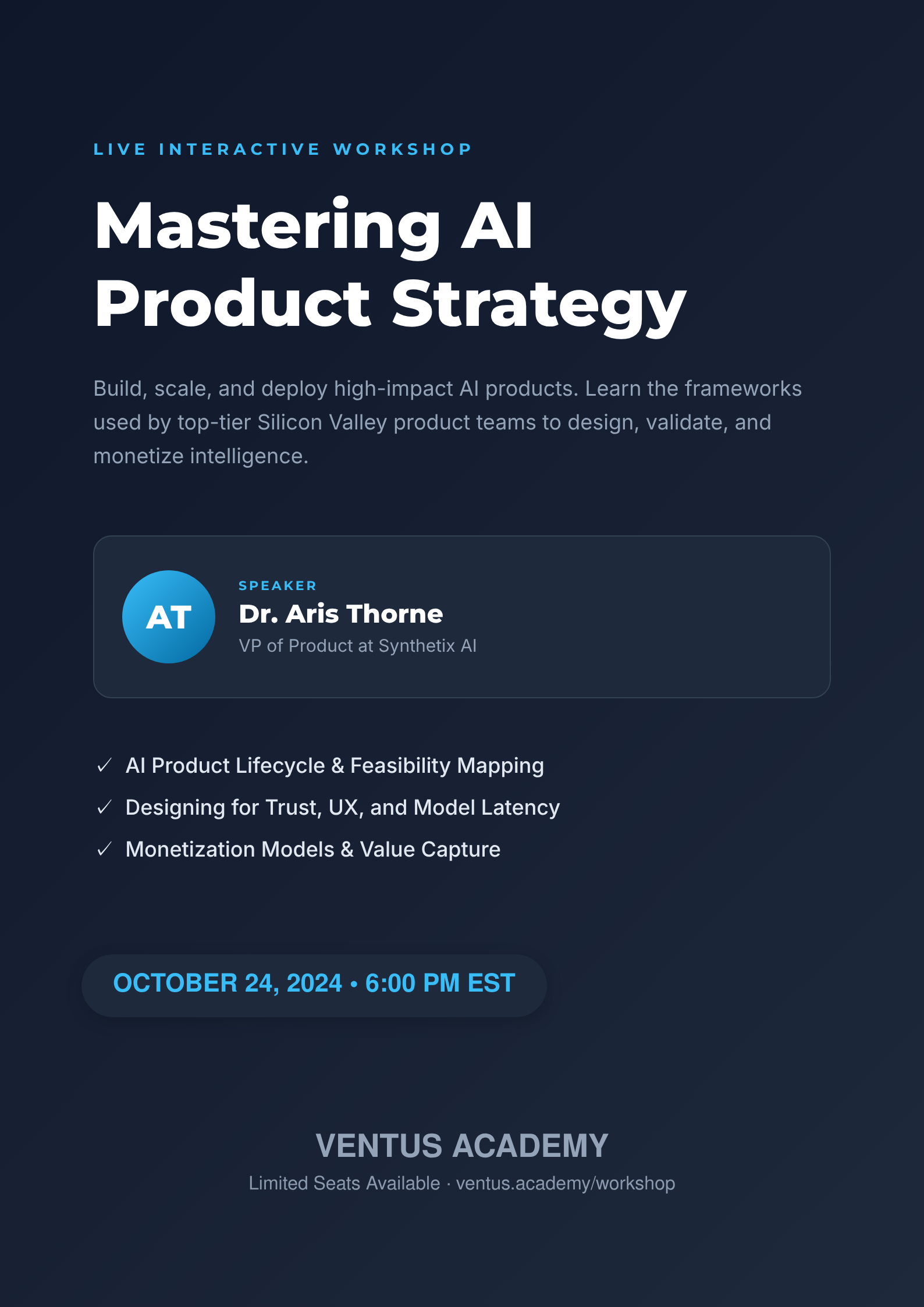
Describe the event — a concert, a church gathering, a fundraiser, a school fair — and Ridvay designs a flyer that puts what matters first: the event name, the date and time, the venue and the ticket price, arranged so people actually read them.
Details change: doors move an hour, the venue switches, tickets go up. Your flyer is a living design, not a flat image — reopen it, change the line, and re-export in seconds without rebuilding anything.
Try a prompt like: “An event flyer for a spring charity concert at Riverside Hall, Friday 7 PM, tickets $15, warm and inviting”
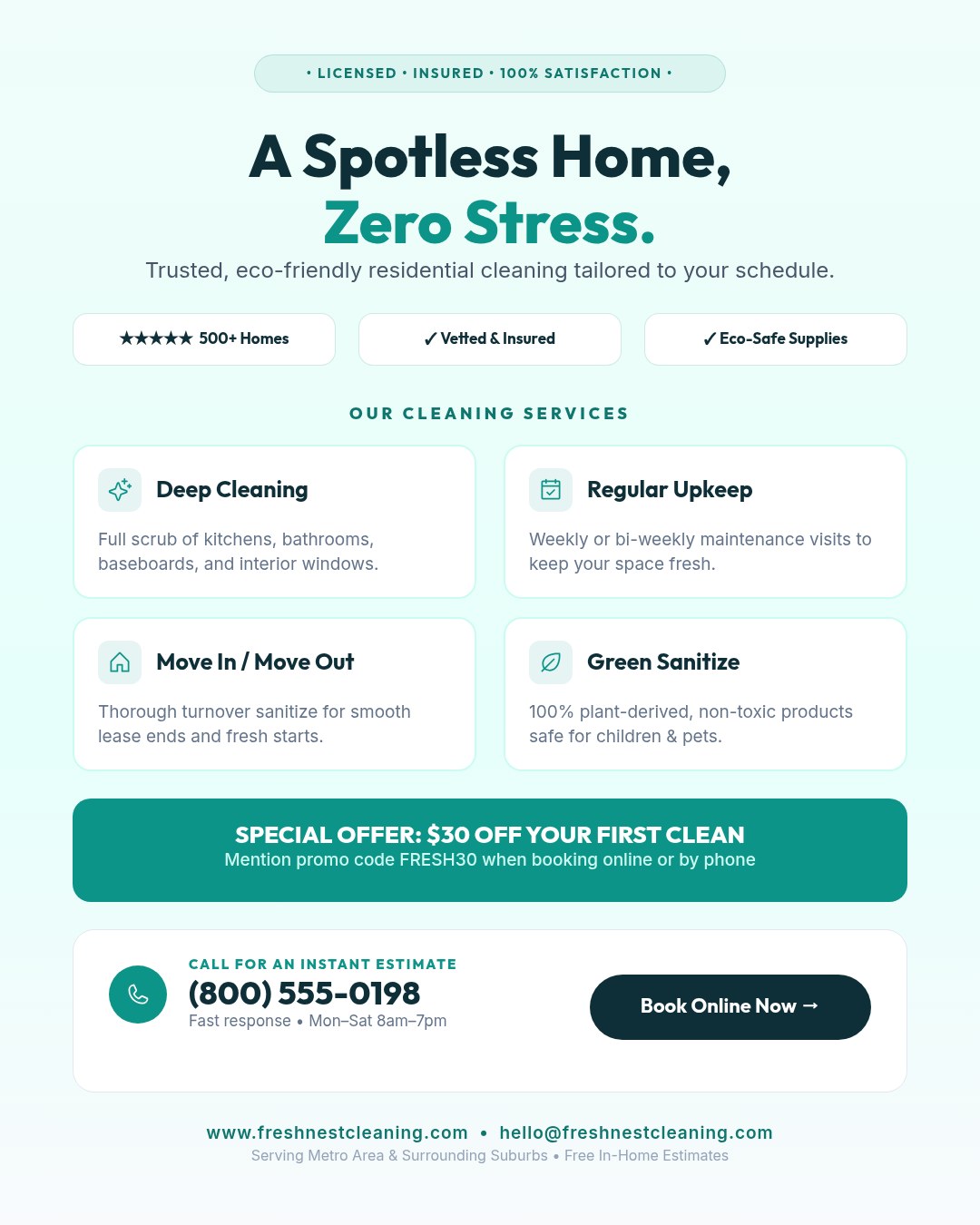
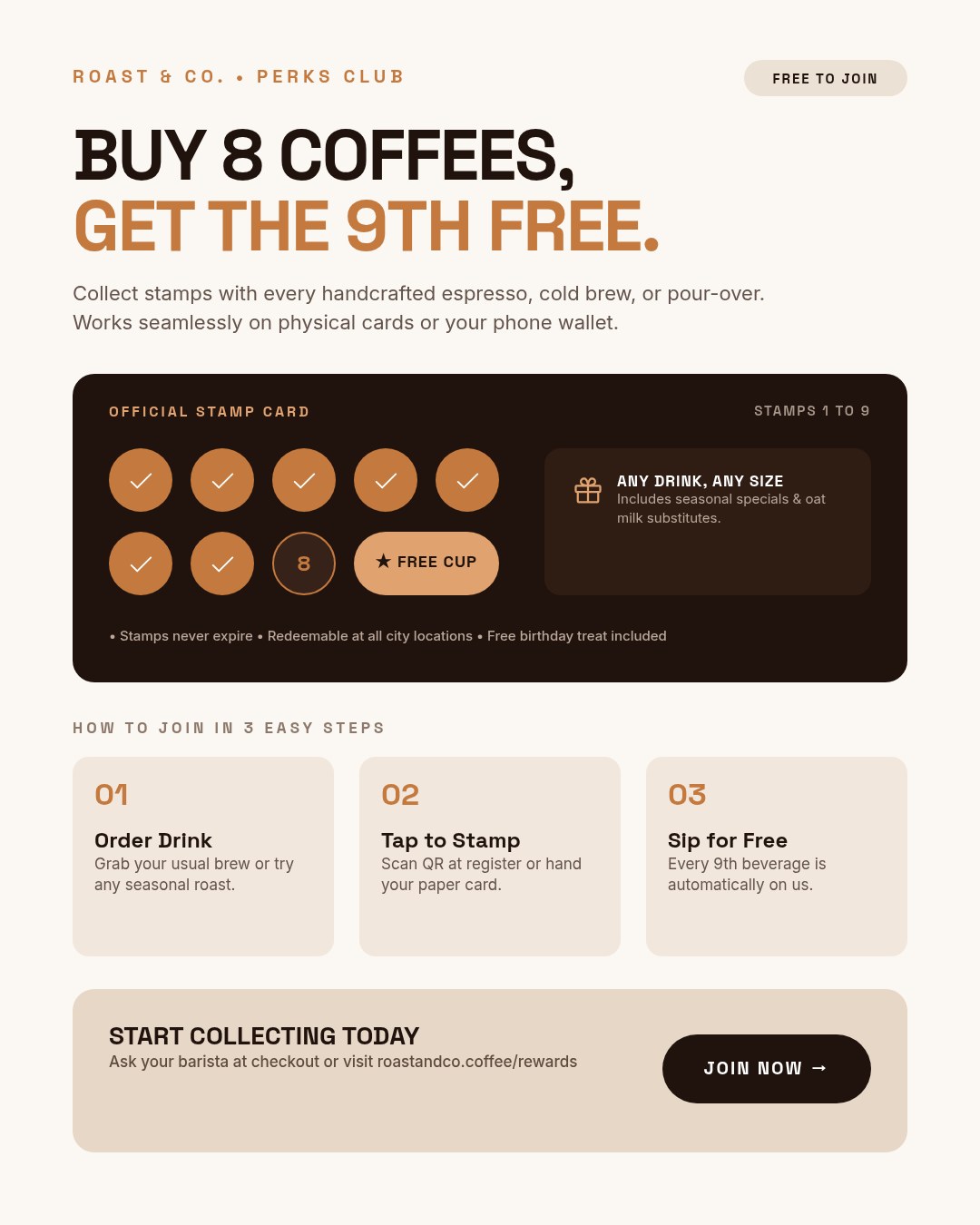
A live example — open the full editor to make your own.
Everything you need to make your event flyer
Design from a prompt
Describe what you want; Ridvay generates a complete, editable design — layout, fonts, colours and copy.
Fully editable
Change any text, colour or element, move things around and add images — it is a real design, not a flat picture.
On-brand automatically
Save a Brand Kit (colours, fonts, logo) and Ridvay applies it as it generates.
Multi-page
Build carousels, decks and documents, then export the whole set as one PDF.
Export anywhere
Export to print-ready PDF, or PNG and SVG — or share a live link.
Refine in chat
Say “make it bolder” or “add a section” and the design updates — no manual fiddling.
From one sentence to a event flyer
Click an example to generate it in Ridvay Studio.
Or start from a ready-made event flyer template
Every template is fully editable — open it, make it yours, export.


Frequently asked questions
How do I make an event flyer with AI?
Describe the event and its details — date, time, venue, price — and Ridvay generates a flyer with them laid out clearly. Adjust anything, then export for print or social media.
The date or venue changed — can I update the flyer?
Yes, that is the point of an editable design. Reopen your flyer, change the date, venue or price directly on the design, and export a fresh copy in seconds — no starting over.
What kinds of events does it work for?
Concerts and gigs, church services and youth nights, fundraisers, school fairs, sports days, markets, open-mic nights, community meetups — anything with a date and a place.
Can I print it and post it online?
Yes. Export a print-ready PDF for handouts and noticeboards, and a PNG for Instagram, Facebook events or the community group chat.
Is the event flyer maker free?
Yes — generate and edit event flyers free in the browser. Higher limits and advanced features are on paid plans.
Make your event flyer now
Describe it, generate it, edit it, export it — free to start.
Open Ridvay Studio